 Vastra
A space for each part of your day
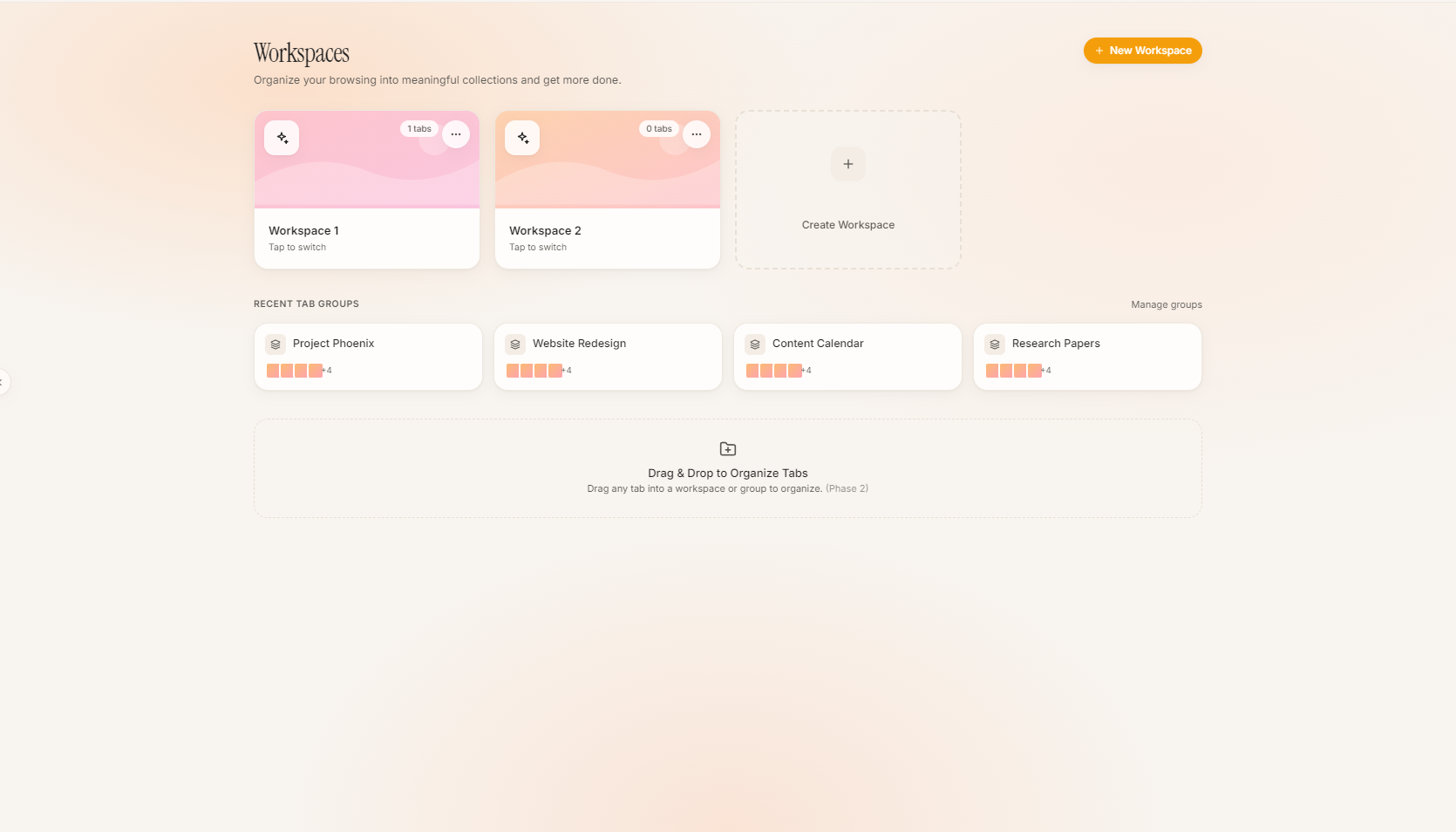
Work, study and life each keep their own tabs and color. Switch in one click and leave the rest of your day where it was.
Vastra is a minimal, productivity-first browser: workspaces, a beautiful new-tab dashboard, true incognito, and Helix, an assistant that does the clicking for you. Free. Made to feel quiet.
Now, see it for yourself.
Vastra means woven cloth. Every thread here earns its place, and nothing shouts for your attention.
Work, study and life each keep their own tabs and color. Switch in one click and leave the rest of your day where it was.
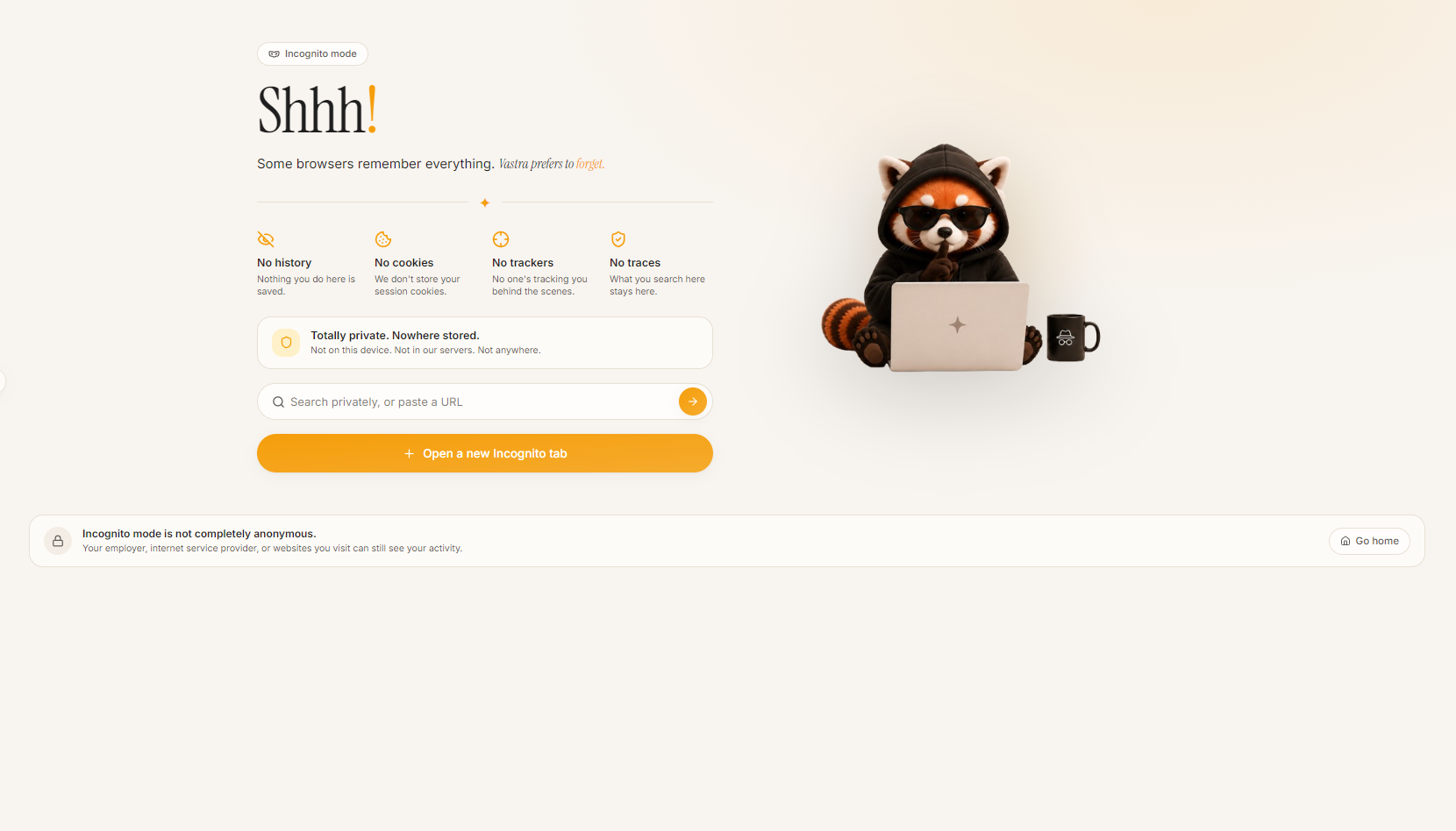
Focus timer, tasks, weather, notes and more, on a new tab that feels like home.
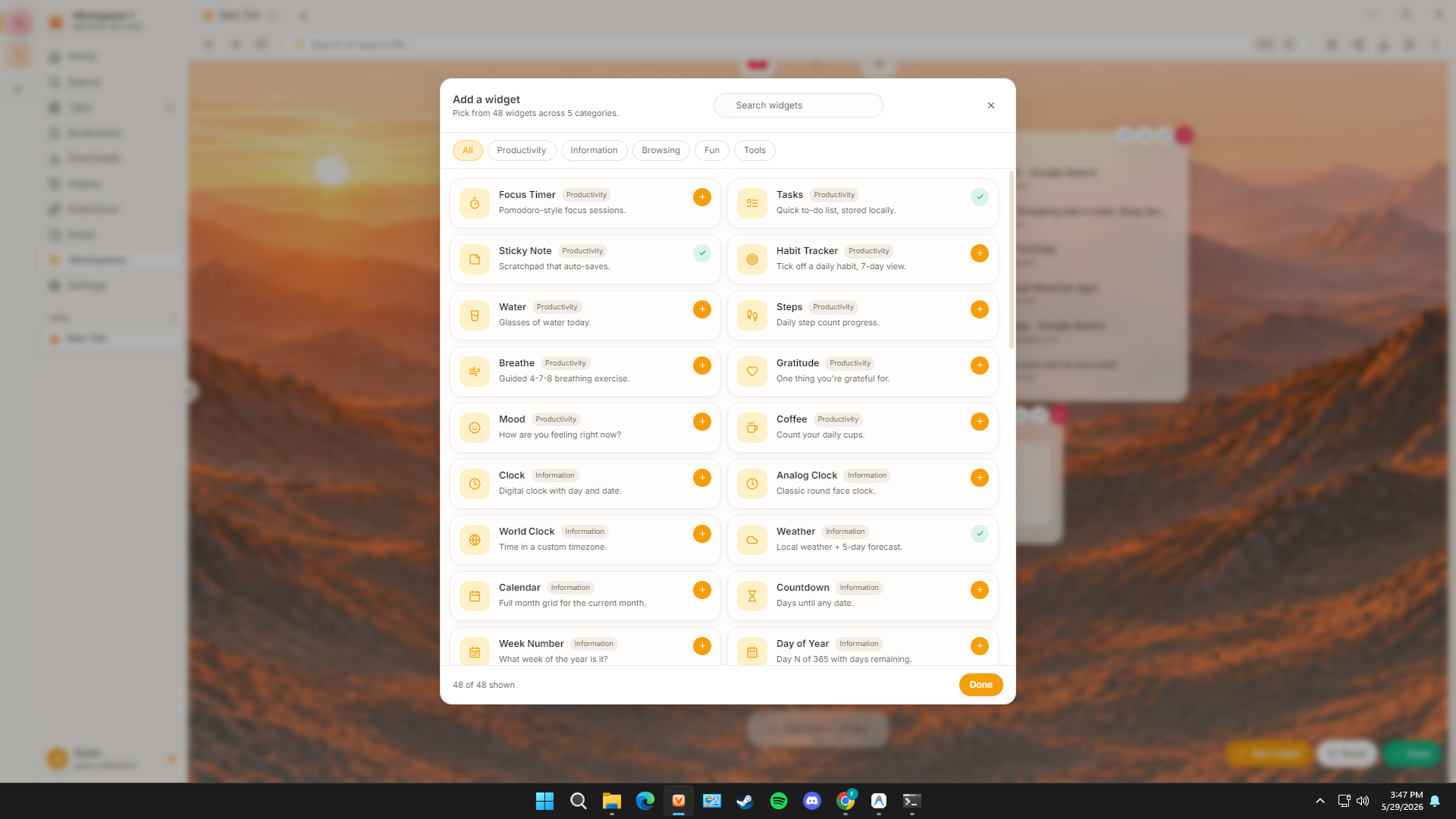
A memory-only session. No history, cookies or traces ever touch the disk.
Command palette, a full shortcut engine, find-in-page and quick zoom.
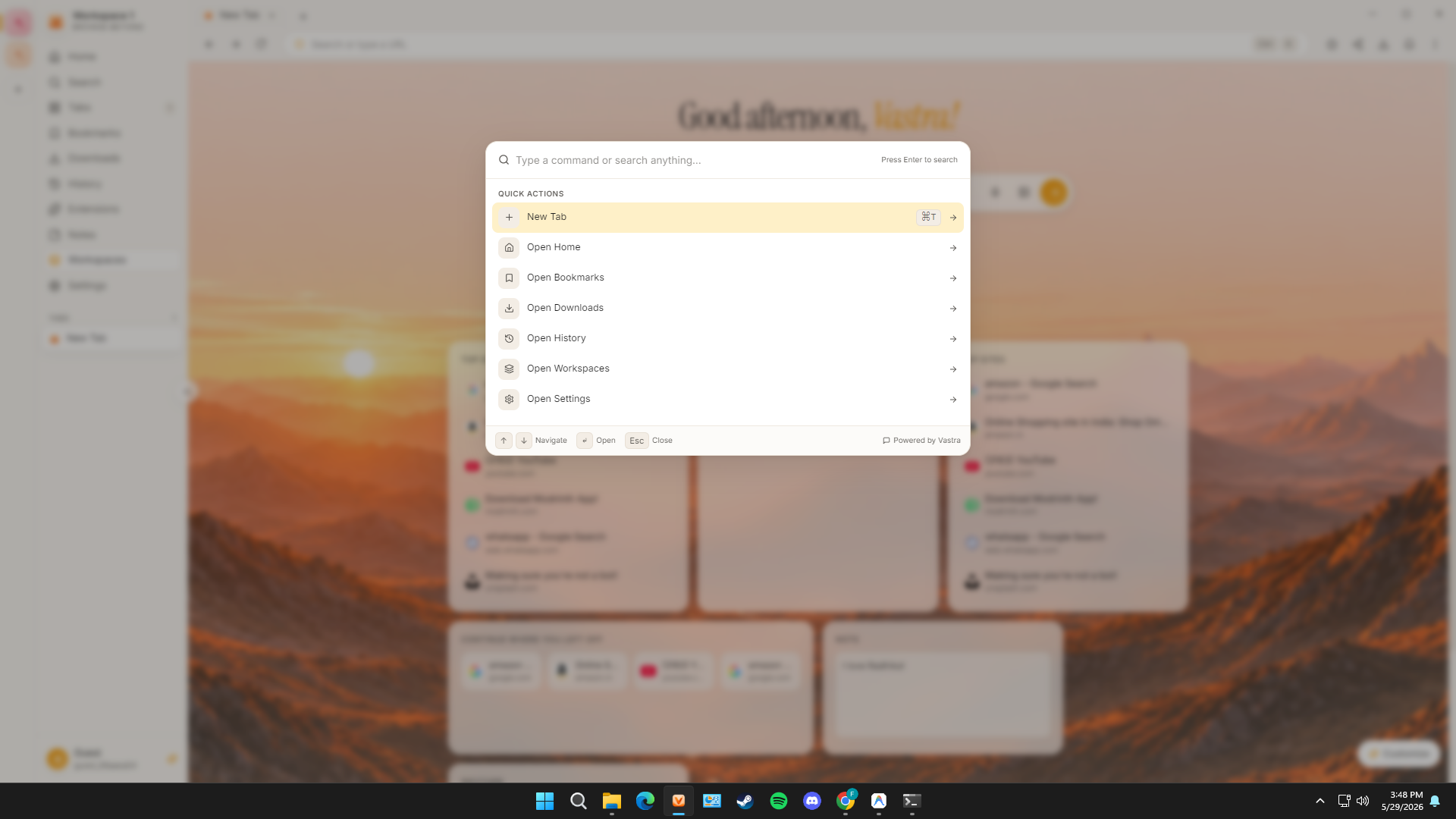
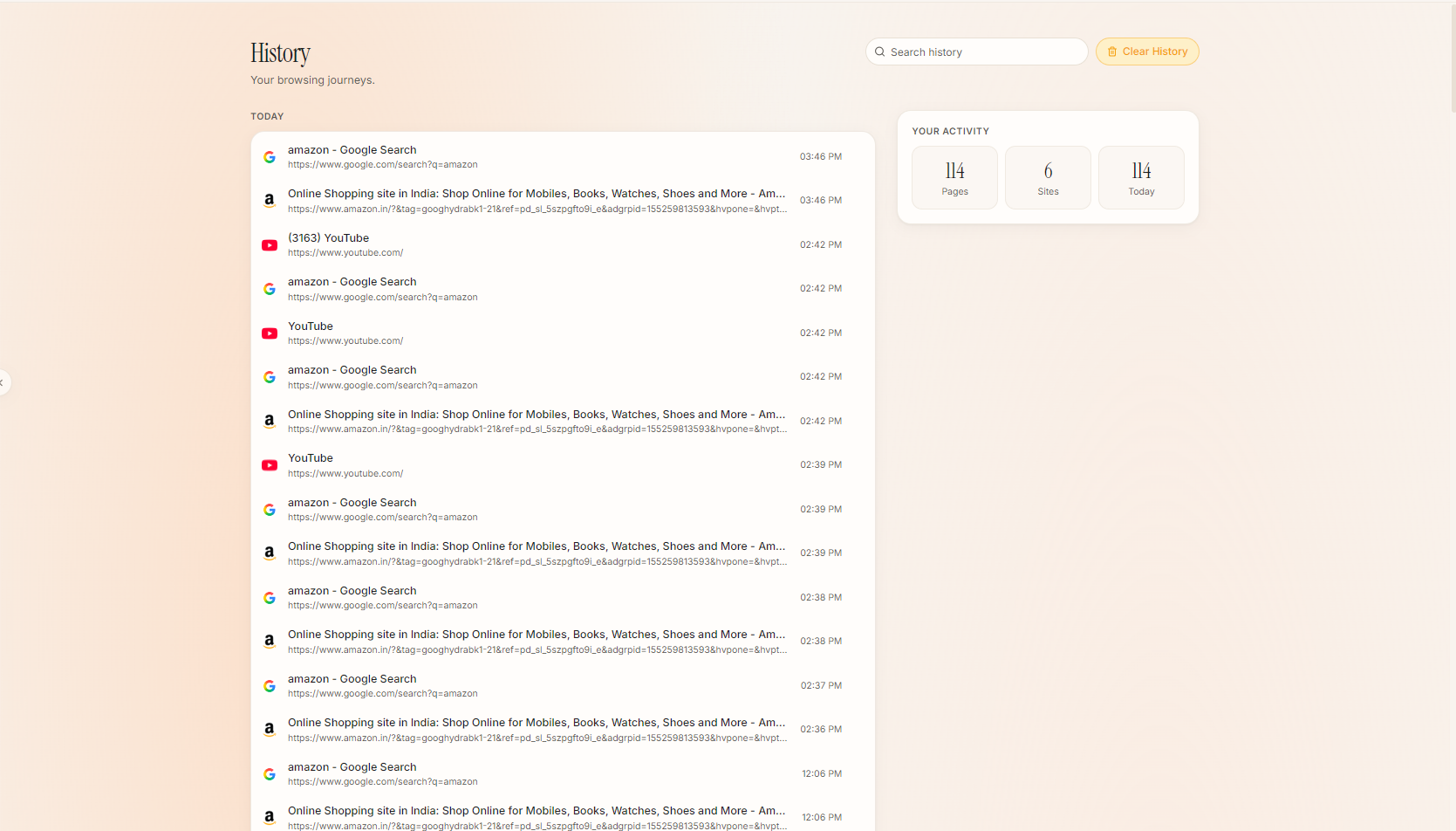
Bookmarks, history and passwords stay on your device, encrypted by Windows.
Tell Helix what you want in plain words. It opens the tabs, reads the pages, fills the forms and checks its own work, and stops to ask before anything that matters.
tab.createforms.fillpage.extractverifyYour first minute in Vastra brings your old browser along, keeps you signed in, and from then on Vastra keeps itself up to date.
Bring your bookmarks and recent history from the browser you use today. It’s read on your computer, never uploaded.
Vastra asks you to sign in with Google on day one. That account becomes your profile, and Gmail, YouTube, Docs and every “Sign in with Google” button just work.
Vastra downloads only what changed, checks every update before it runs, and installs it the next time you restart. Your tabs come right back.
Restart to updateWarm light, soft dark, live wallpapers and eight accents. Try them here; Vastra changes just as quickly.
A paper texture through every theme, a slimmer sidebar, sleek rounded tabs, warm line art on every page, and a profile you set up instead of “Guest”.
Vastra offers Google sign-in on first launch. Sign in once and every tab, plus every “Sign in with Google” button, uses that account, and it becomes your Vastra profile.
Weather, air quality, sunrise, news, stocks, crypto and currency now show real data for where you are, plus new Ask Helix and Air Quality widgets.
F12, Ctrl+Shift+I or right-click → Inspect opens DevTools docked to the right, just like Chrome.
Every update is verified before it runs, downloads only what changed, and installs on restart with your tabs restored. Beta channel optional.
Gmail, YouTube and Docs sign in normally, and “Sign in with Google / Apple / Microsoft” popups now report back to the site that opened them.
A one-minute first run brings bookmarks and history from Chrome, Edge, Brave, Vivaldi or Opera, then lets you pick a theme.
A crashed page offers a one-click reload, a frozen page asks before you wait, and Vastra recovers its own window automatically.
Free on Windows, Linux and Android. Mac is on the loom.
If Windows shows “Windows protected your PC”, choose More info → Run anyway. Code signing is on its way.
Helix on every page, Firefox add-ons, sites that install as apps and checkout forms that fill themselves. Built for one hand, free, and it updates itself.